


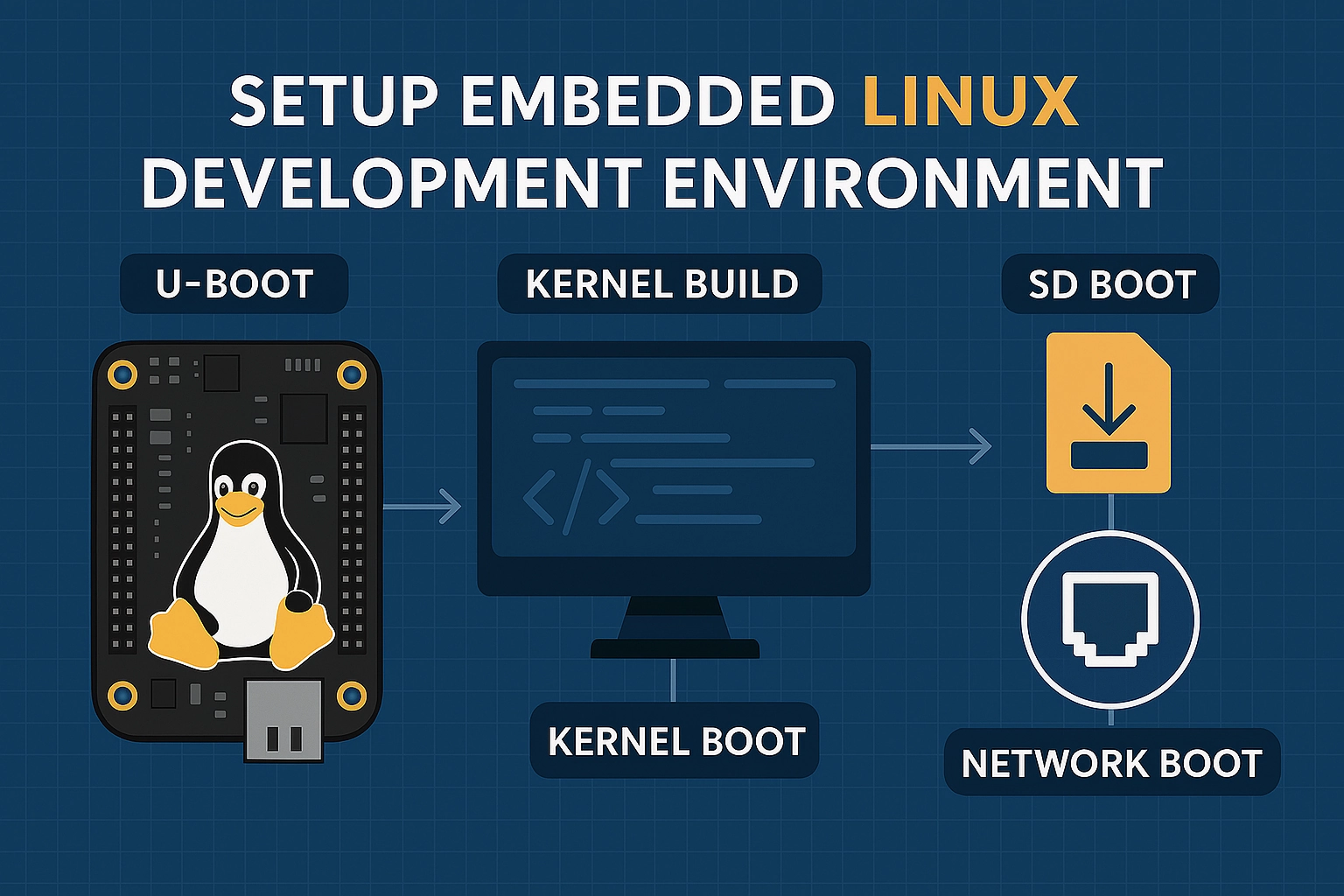
Use this guide to prepare your Linux development environment, find course resources and move into BeagleBone Black practicals when Level 2 begins. Follow your instructor’s batch-specific directions for hardware and builds.
01
Prepare your computer for Level 1
Level 1 covers Linux basics, shell scripting, Linux System Programming and driver foundations. No development board is required at this stage.
Install now
Set up Kernel Masters OS
The official installation guide covers laptop requirements, KM OS version selection, VirtualBox, the matching Extension Pack, import, troubleshooting and first-boot checks.
After installation
- Open the KM OS desktop and terminal.
- Verify internet access inside the VM.
- Check Git, GCC and Make.
- Create a clean snapshot after verification.
Course prerequisite: C Programming and Data Structures. The playlists below are helpful Linux primers to study alongside your C preparation.
02
Build your foundations with free primers
Watch these public Kernel Masters playlists and practice the examples in your KM OS terminal. Course assignments and the batch learning sequence will be shared separately.
03
Prepare and test your Level 2 hardware
Level 2 moves into BeagleBone Black practice, the KM expansion board, bootloader and BSP work, kernel customization, drivers, Yocto, debugging and projects. Both boards are required for the practicals; the BeagleBone Black may need to be purchased separately.
Required board test
Test the board when it arrives
Complete the BeagleBone Black and KM expansion board diagnostic test using the procedure shared by the KM team. Report any fault through the official support channel before moving to other board experiments.
Board diagnostic walkthrough
04
Level 2 build instructions
The existing KM-BBB U-Boot and kernel steps are kept here for this release. Use the versions and workflow confirmed by your instructor for your batch.
Before installing to an SD card: Confirm the correct /dev/sdX device. Choosing another disk can overwrite its data. Complete the required board test first.
U-Boot 2019.04 — source, build and install
1. Download the source
cd ~/KM_GITHUB/
git clone https://github.com/kernelmasters/beagleboneblack-uboot.git
cd beagleboneblack-uboot
2. Configure and build for KM-BBB
km-bbb-uboot-build.shThe existing guide identifies the generated boot images as MLO and u-boot.img. It describes u-boot.bin as the compiled U-Boot binary.
3. Install using your instructed method
SD card:
./km-bbb-uboot-install.sh --mmc /dev/sdXNetwork (TFTP):
./km-bbb-uboot-install.sh --board XReplace X only after verifying the SD-card device or KM-BBB board number.
Kernel 4.19.94 — source, build and install
1. Download the source
cd ~/KM_GITHUB/
git clone git@github.com:kernel-masters/beagleboneblack-kernel.git
cd beagleboneblack-kernel
2. Configure and build for KM-BBB
km-bbb-kernel-build.shThe existing guide identifies vmlinux as a generated image and lists vmlinuz, device-tree blobs and modules for SD-card installation.
3. Install using your instructed method
SD card:
./km-bbb-kernel-install.sh --mmc /dev/sdXNetwork (TFTP):
./km-bbb-kernel-install.sh --board XThese commands are reproduced from the existing article. Confirm the kernel repository path and versions with your instructor.
05
Your code and learning resources
Keep the official source library and your course dashboard easy to find throughout both levels.
Kernel Masters GitHub
Explore public Embedded Linux, BeagleBone Black, U-Boot, kernel and related project repositories. Use the revision your instructor specifies for your module.
KMLearnX learning portal
Use your assigned account for course materials and progress information.
- Recorded concept lessons, per course policy
- Class notes and lab assignments
- Attendance records
- Grades and performance reports
Login credentials are shared during an upcoming online interactive session. Interactive-session recordings are not part of standard course delivery; follow your batch policy.
06
Readiness checklist and support
Prepare your learning environment first. Complete the board test and confirm the build workflow when Level 2 hardware work begins.
Before Level 1 practicals
- KM OS installed from the official guide
- Desktop, terminal and internet verified
- Git, GCC and Make checked
- C and Data Structures reviewed
- Primers and KMLearnX bookmarked
Before Level 2 practicals
- Level 1 foundations completed
- BeagleBone Black and KM expansion board available
- Required board test completed
- Instructor’s build versions confirmed
- SD-card device or board number verified
Need help with setup or board testing?
Contact the KM team through the official student WhatsApp channel using your registered number, or email your batch details, exact error and a screenshot.
 Admission for 6 months Embedded AI & IoT offline course at Hyderabad & Bangalore
 Course Fee: ₹12000 /-